BlogWeekly refresh
Weekly offers, same footageupdating prices in video ads without a remake
4 min read
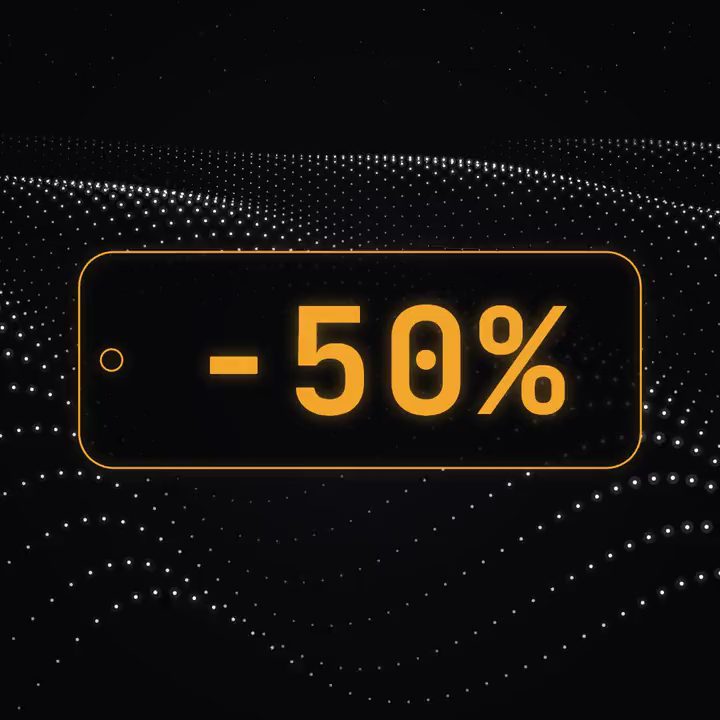
The offer said 100% off, and nobody on the advertiser's team had written it. In November 2025 Meta's AI promo feature had switched it on by itself (AdExchanger). The footage was fine and the brand was fine; the offer was wrong, and the offer is the one line of an ad that is purely a business decision.
For offer-driven apps, it's also the line that changes most. A social casino runs a free-coin bonus on Monday, a bigger coin pack on Wednesday and an event bonus at the weekend. A delivery app changes its first-order discount, a travel app its fares, a finance app its rate or sign-up bonus, a subscription app its trial length. The footage behind all of them stays the same: the big win, the order arriving, the app's screens. And from now to the end of December, the offer changes more often than at any other time of year.
Why one change is 25 files
The offer sits in the headline, often in a badge or a callout in the middle of the ad, on the end card and in the terms underneath. The ad runs in five or more placements and in every language the app sells in, so one new offer across five placements and five languages is 25 files to change and check, every time. And it changes often because it's where the money is decided: RevenueCat's 2026 report on 115,000 subscription apps found that trials of 17 to 32 days convert 42.5% of users against 25.5% for trials under four days (RevenueCat), so teams test trial lengths, prices and bonuses constantly.
How teams update offers today
By hand. Someone opens the project, changes the price in the headline, the badge, the end card and the terms, and exports each size and each language again. It works, and the usual mistake is one version left with last week's price.
By generating again. Most generative video tools redraw the clip, or at least the part they touch, to change anything in it, so the approved footage changes along with the price, and models are bad at exact numbers and lettering.
With catalogue templates. Smartly turns catalogue stills into video templates (Smartly), Celtra and Bannerflow fill templates from product data, and Meta's catalogue ads pick a product image or video for each viewer. They're built for thousands of items. A coin pack on a win sequence the team cut and approved isn't a catalogue item.
What's missing is the simplest version of the job: change the offer on the video the team already approved, in every version at once, and leave everything else alone.
Entering the offer once
That job is easy if the offer was never part of the picture. In Motn the price, the discount badge, the call to action, the end card and the terms are live text and motion graphics on top of the approved footage, so they change without anything under them changing.
The team decides the offer and enters it once. It goes into every placement and language, in the headline, the badge, the end card and the terms. If the new offer is longer, "Mega pack: 50% more coins" instead of "1M free coins", the layout adjusts to fit each frame, and in each market the offer appears in that market's language with that market's own price. New players can get one offer and lapsed players another, each entered once, with its own opening if the team wants one (one ad for every audience).
The footage isn't touched, so the video doesn't need approving again; the team checks the offer. The terms change with it and stay word for word as legal approved them, which matters most where the terms are the regulated part. In October 2026 the ASA banned an ad for a football prediction app because, taken as a whole, it implied users would profit and never said they could lose money (ASA). Why that wording is safest as live text is in legal text in AI-made video.
Next week's offer is the new input, and nothing else in the ad has to be touched. A team that knows its promotions in advance can lay out Black Friday, the holidays and the January reset at once, as in the refresh calendar.
Checking an offer change
The number is right in every placement and language, written the local way; in Chinese, "8折" means 80% of the price, which is 20% off.
The terms match the offer, end date included.
Last week's offer is gone from every version and its end card.
The longer text still sits inside each placement's safe area.
If anything is wrong, the fix is an edit to the offer layer, and nothing else in the ad moves.
Take the ad that carries this week's offer and build it once, in every placement and language you run. Next week, enter the new offer and check it; that's the job from then on. More for teams whose business runs on weekly prices is in Motn for offer-driven apps. Book a demo and bring this week's offer.