Hera is a quick way to get a chart, a logo reveal or a title. An app team that needs the whole ad, with its real screens, footage, music and every size and language, needs more than a motion segment. Hera and Motn both make motion graphics as code, so in both a scene stays editable after it's made. Hera started as a motion graphics tool and now calls itself an AI-native creative canvas for images, design and animation, with editable layers. Motn makes whole ads. Here is the difference, job by job.
Editing after it's made
Hera's output is code, so timing, colours and motion paths can be changed after the animation is made, by hand or by asking (MakerStack). That's a real strength, and Motn's motion graphics work the same way. The difference is the rest of the ad. Hera isn't a full video editor, so the footage, the cut and the music are edited somewhere else. In Motn the whole ad is on one canvas: text and motion graphics are live code, clips can be reframed at no cost, and on the timeline you trim, add transitions and change the music (fix it, don't regenerate it).
Demos from your app's real screens
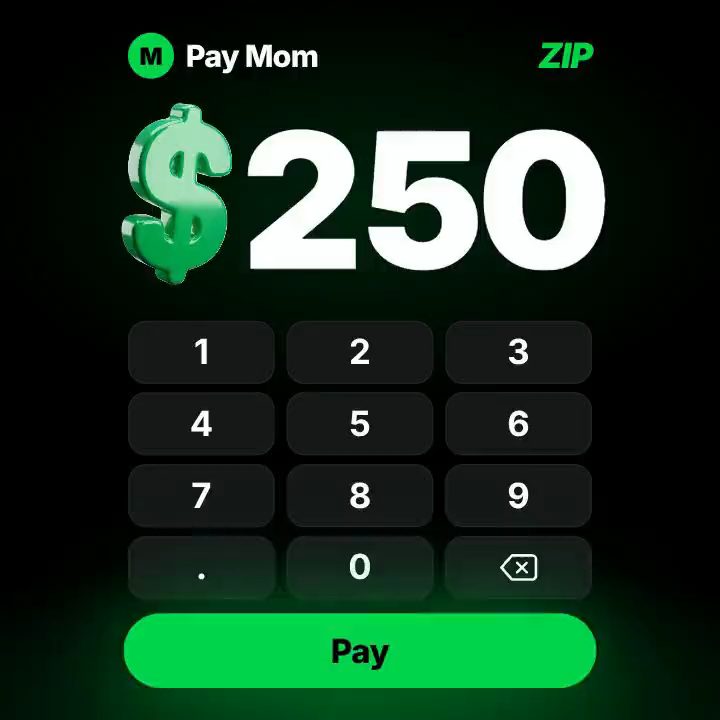
Hera can turn app screenshots, prompts and launch copy into motion scenes with phone frames and callouts (Hera). The difference is what happens after the next release. In Motn, Figma frames become the basis of the demo, with the UI text live as code: when a label changes, that text is edited, or the new frame is brought in, and every size and language follows. Screen recordings stay footage: a changed screen is recorded again and the clip replaced in the same workflow, with the captions, motion and layouts kept (product demos that update with your app).
Footage, and what stays approved
Hera is built around motion graphics, images and design rather than footage. Motn is built around footage as well: approved footage and licensed art aren't generated again to make a version, and only what sits on top changes, as live text and motion graphics (what AI should never touch).
Reusing the process
Hera lets teams reuse animations as templates. Motn saves the production workflow for the whole ad, including its footage, motion, layouts and market versions; on the next brief the prompts are rewritten for the new material and every fix the team made comes along.
Studio-grade motion, made in-house
Hera saves hours compared with building motion by hand in After Effects (MakerStack). Motn takes the same idea to the whole ad: the designer sets the brand and motion style once, and the rest of the team makes ads inside it without commissioning a studio. How the two compare with Jitter, Canva, Figma and Claude Motion is in motion tools for small teams.
Exports
Hera exports MP4, with transparent backgrounds and up to 4K on its higher plans. Motn exports MP4 for ad platforms, and HTML, React or Framer for a site or app, so the animation in the ads and on the landing page come from the same source.
Choose Hera if you need quick motion graphics, charts and titles on their own; its free plan is an easy place to start. Choose Motn if you make whole ads for an app, with real screens, footage and every size and language. More in Motn for apps, or start with the $10 Try pack.