Make video ads in Claude & ChatGPT.
One prompt in. A canvas and a finished ad out.
One prompt in. A canvas and a finished ad out.
Each message below is all the assistant was given. It had the MCP connector and nothing else, and nobody touched the canvas.
The whole request
- Read how to work in Motnget_guide
- Found the canvas and studied itlist_projects · get_canvas · get_node
- Brought five clips and four stills overadd_asset ×9
- Cut the adgenerate_motion
- Scored it, a hit on every cardgenerate_music
- Looked at its own framesview_node ×38
- Fixed three things it sawiterate_motion ×3
- Mixed the sound and renderedset_controls · add_soundtrack · render_video
- Tidied the canvasorganize_canvas ×2
- 91
- tool calls
- 447
- credits
- 27 min
- start to finish
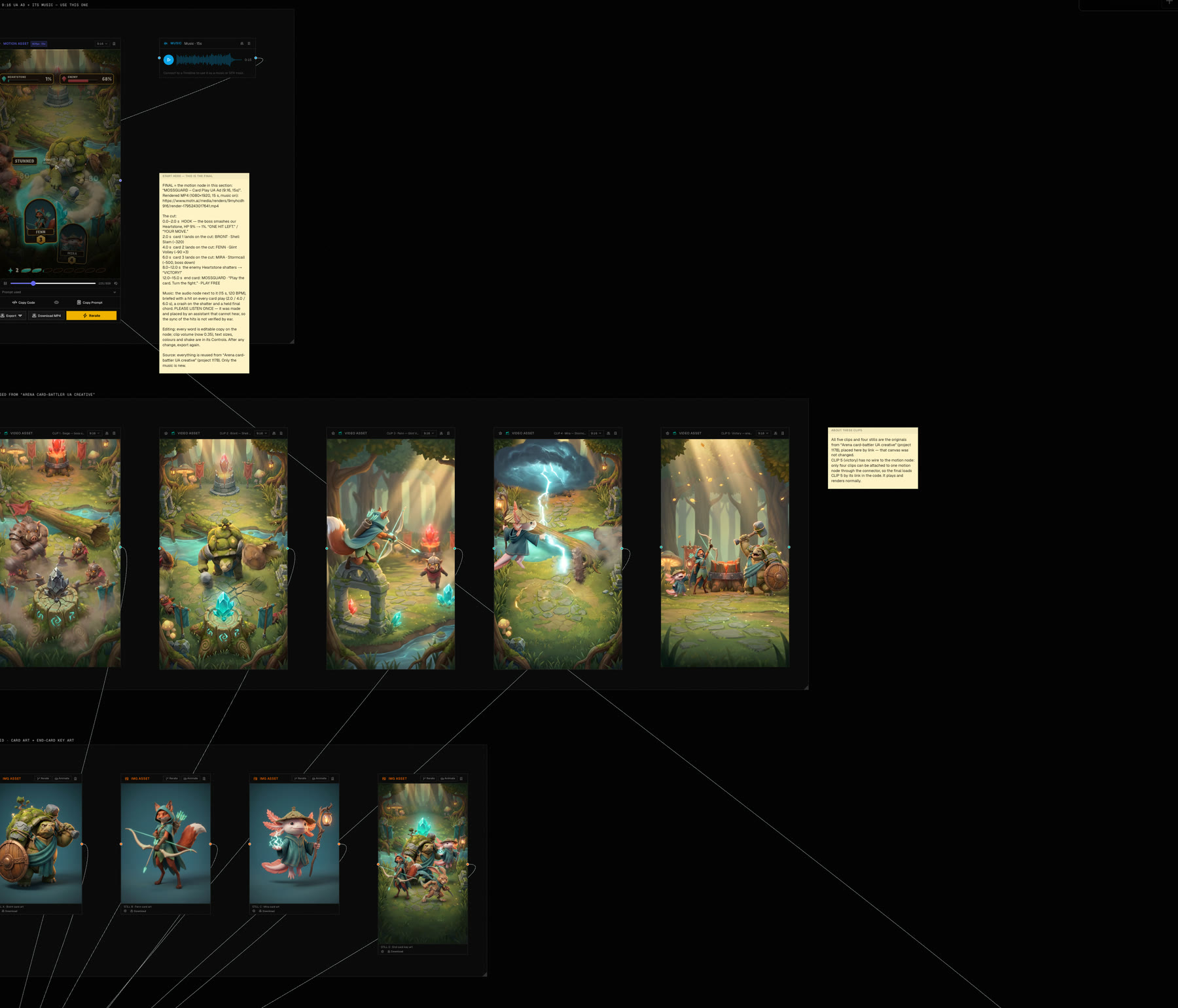
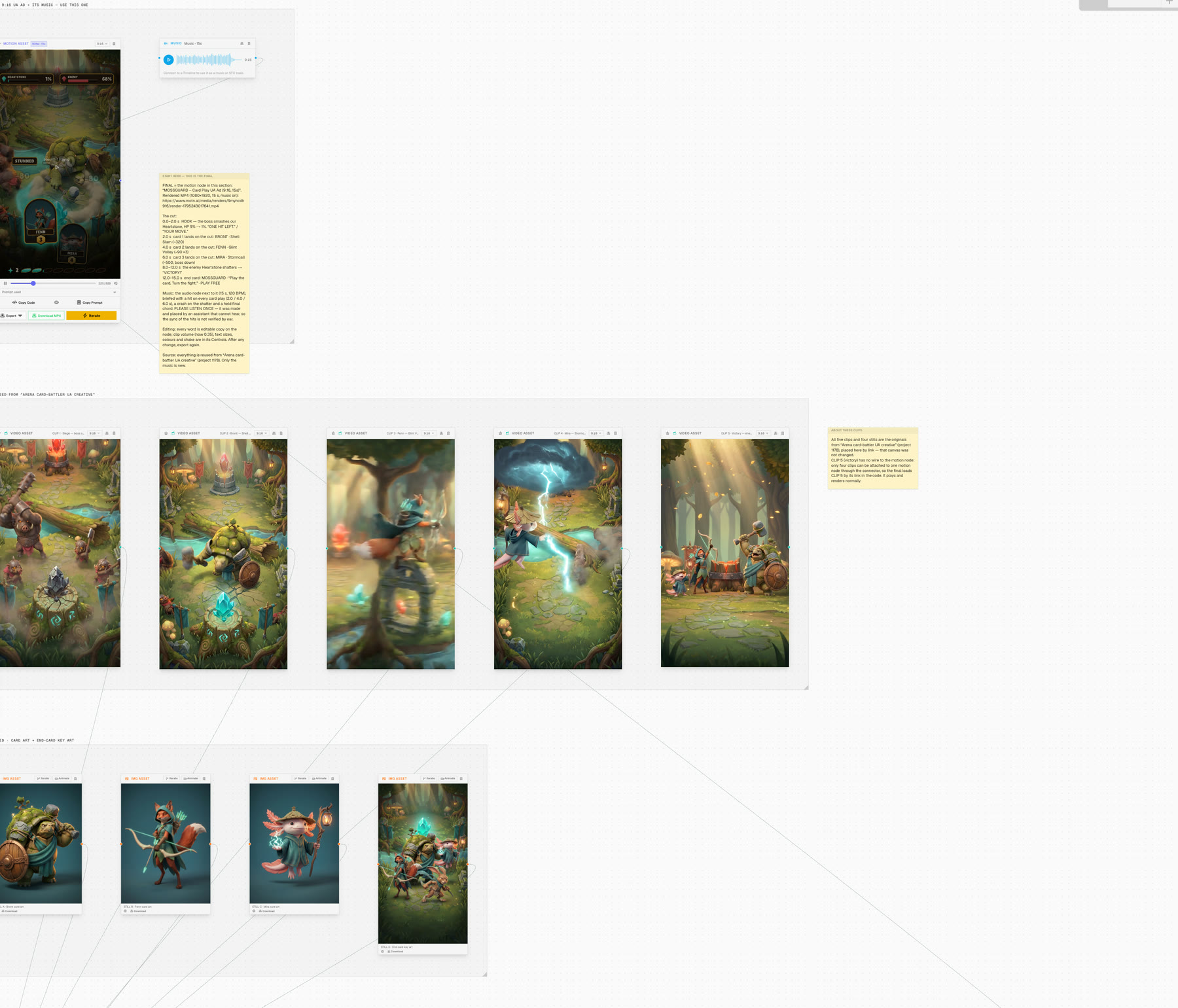 the canvas it built
It works the way you do on the canvas.
Everything it makes lands as ordinary nodes. Open the canvas and keep editing.
Reads your canvases and Library
It finds the logo, the product shot and last month's winner before it makes anything new.
get_canvas · search_library
Generates the pieces
Stills, clips, the motion ad itself and its music, straight onto the canvas.
generate_image · generate_video · generate_motion · generate_music
Looks before it says done
It reads the frames of what it made, the way you would, and catches what is wrong.
view_node
Fixes one thing, keeps the rest
A line of copy, a control, one revision of the motion, or one part of a still.
edit_copy · set_controls · iterate_motion · edit_image
Makes every version
Other sizes laid out again for their shape, other languages, each its own node.
adapt_motion
Renders the files
MP4s of what you approved, several at once.
render_video
Works on several projects at once
Ten ads in ten projects is one request. Nothing waits for anything else.
wait_for_jobs
Leaves a tidy canvas
Sections, names and notes, so your team can find the final.
organize_canvas
You stay in charge.
The assistant works in your account, on your terms.
You tick what it may do
Read, create, manage. Removing nodes and public links stay off unless you tick them.
You set its limit
It spends from the same balance as the app. Give each connection its own 30-day credit limit.
You can see it and stop it
Every new connection is emailed to you and listed in Settings. Remove it and it is gone.
Set it up.
Paste one address into your assistant and sign in.
Your assistant makes ads on your Motn canvas.
Add the connector to Claude
https://www.motn.ai/api/mcp- 1Open Customize, then Connectors.
- 2Choose Add, then Custom, then Web, and paste the connector URL.
- 3Choose Sign in now. Motn opens in your browser: sign in, tick what the assistant may do, and choose Allow.
Works on the web and in the desktop app. It asks for your approval the first time it uses each Motn tool.
Give it Motn's instructions
Paste them as your first message. They teach it to reuse before generating, to look at the frames before it says done, and to say what things cost.
Ask for something
Make a 15-second vertical UA ad for my match-3 game. Open on a board one move from failing, then the winning cascade, then an end card with “Play free”. Generate the art and one gameplay clip, cut it with music, and show me the frames before you call it done.
Make a 10-second vertical ad for my fitness app: a morning run that turns into a stat card, the line “Your run, as a card.”, and “Start free” at the end. Use my logo from the Motn Library if there is one.
Adapt that ad to square and to 16:9, add a German version of the copy, render all of them, and give me the links.
What it costs, and how to stop it
- ~35
- credits for an image
- ~146
- credits for a 5-second clip
- ~70
- credits for an ad
Credits come from the same balance as the app (your team's, if you are on a team). Everything it makes lands on your canvases as ordinary nodes you can keep editing, on several projects at once.
Every connection is listed in Settings → Connections, where you can remove it, set its 30-day credit limit, or create a personal token for tools that can't open a browser.
Files you attach in a chat can't be sent to Motn by the assistant. Add them to your Motn Library or give it a link.