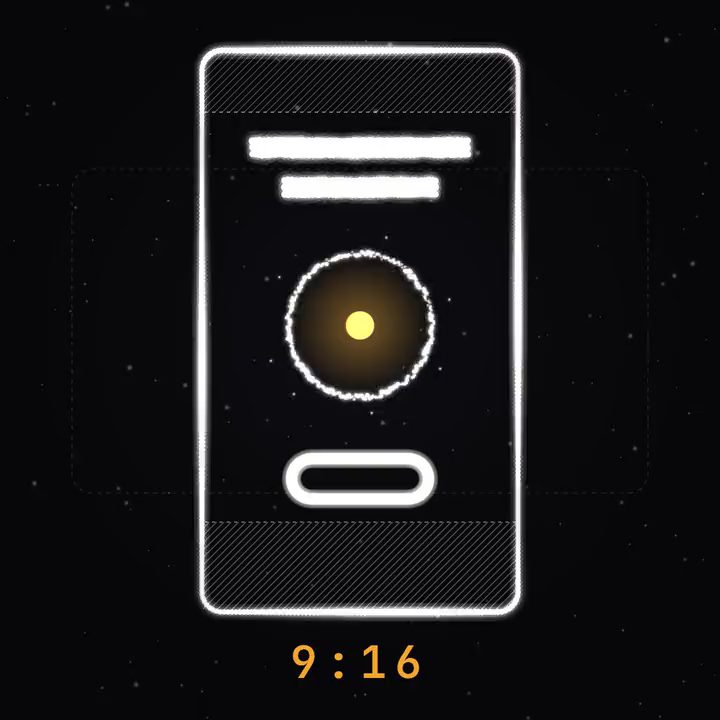
Crop a 4:5 ad to 9:16 and the maths looks harmless: a little off each side, a little more height. Then the ad goes into Reels. Meta asks advertisers to keep anything important out of the top 14% of the frame, the bottom 20–35% and 6% in from each side, because that's where the caption, the profile and the buttons sit, and on 20:9 phones Meta may zoom in and trim the edges further (Billo). The headline that sat neatly at the bottom of the 4:5 frame is now under the caption, and the call to action is under Meta's own.
Every placement puts its own interface on top of the ad, which is why a new shape needs a new layout, not a new crop.
Three ways it's done today
Crop it, or let the platform do it. A horizontal or square file in a vertical feed is letterboxed or cropped automatically, "and both hurt" (Segwise). Meta's Advantage+ creative enhancements are on by default and will crop logos, expand images and move text, which is how agencies end up hearing "wait, that's not the file we sent you" (AdLibrary).
Rebuild it by hand. A designer opens the project for each placement, moves the text and the logo, and exports again. It looks right and takes hours per ad, per language and per offer, and along the way logos get stretched, colours shift on export and fonts are swapped when they weren't embedded. Each version is a separate pass, so each one is watched end to end before it goes out.
Use a tool built for something nearby. Canva and Adobe Express resize a static design one design at a time. Auto-reframing in video editors follows the subject and crops around it, which keeps the subject in view and leaves the text to chance. Smartly, Celtra and Bannerflow build sizes from templates, mostly for display and catalogue ads. Layer makes static creative in every size, and its Video Editor node assembles finished videos of up to two minutes inside a workflow (Layer Help). Some newer tools make every shape by generating each version again, so the shots the team approved can change from one shape to the next.
Laying the ad out again
The reason a crop fails is that the ad is treated as one flat picture. Split it in two and the problem goes away: the approved footage, gameplay or product shots is one layer, and everything the team put on top of it, the headline, the offer, the logo, the call to action, the end card and the legal line, is another, kept as live text and motion graphics rather than burned into the picture.
That split is how Motn builds placements. For each shape, the footage is framed with the subject in view, and the text and graphics are placed again around it. In 9:16 the headline and offer sit inside the area the interface leaves clear, and the call to action stays away from the platform's button. In 16:9 the layout spreads out so nothing floats in empty space; in 4:5 and 1:1 it tightens. A 21:9 store header puts the footage beside its captions rather than under them. Anyone on the team can change the framing of a clip, at no cost, if the shape calls for a different emphasis.
The footage isn't generated again for any shape, so every version is the approved ad in a different frame, and the brand library keeps the fonts, colours, logo and motion the same across all of them. Each comes out as a finished MP4.
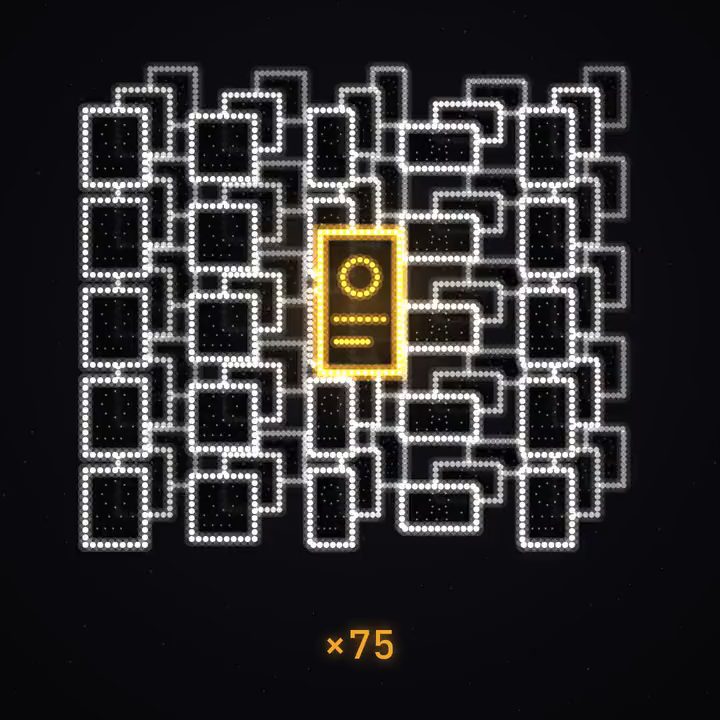
Openings, languages and offers multiply with the shapes. Every opening the team wants to test attaches to the same approved body and comes out in every placement, which is what testing openings before you commit spend depends on. Five placements, five languages and four openings make 100 finished ads. They're produced in the same run and go to review together.
What to check in each shape
The footage is approved once. What differs between versions is the layout, so that's what the check covers:
the subject stays in view in every shape;
the headline, offer and logo sit inside each placement's safe area;
the call to action isn't under the platform's button;
the end card reads at the smallest size, and the legal line reads in every language;
the brand's fonts and colours match across sizes.
Start with the ad carrying most of your spend and list every placement it should be in but isn't, or is in only as a crop. Bring it to a demo, or run it through the $10 Try pack on your own footage.