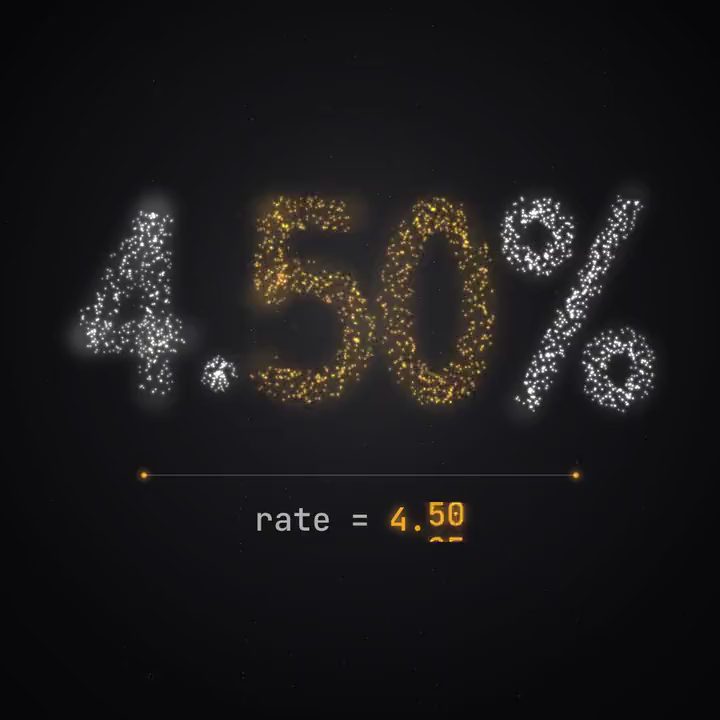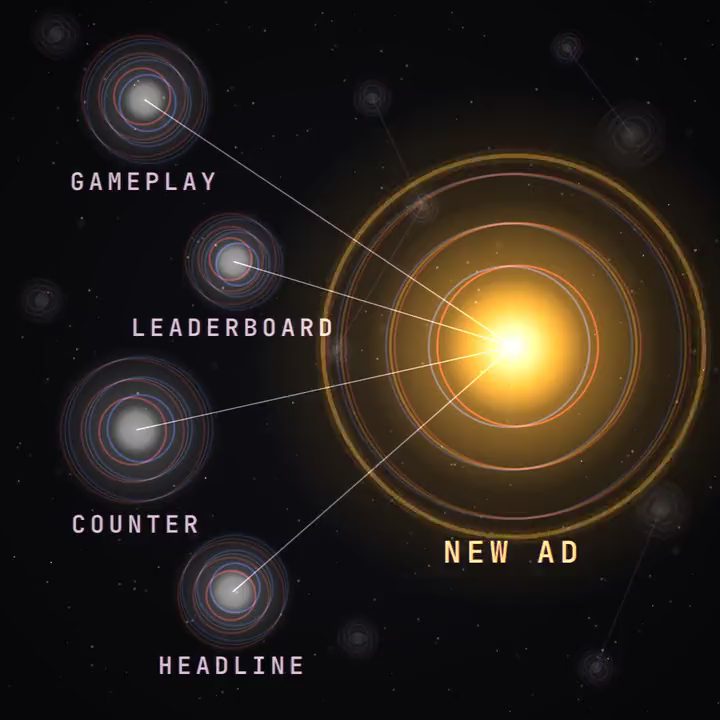
A golf game wants a weekly tournament ad that shows the real leaderboard. Nothing in its library was made for that. But four parts already exist: gameplay of a chip shot on hole 7, cut for an install ad in the spring; the week's leaderboard data; a score counter the motion designer built for a different campaign; and a kinetic headline style the brand uses everywhere.
Connected on a Motn canvas, the four become a 15-second ad. The top score from the leaderboard goes into the counter, where it's a value rather than pixels (numbers that stay right), the headline reads "Beat this score", and AI does the assembly: the cut, the transitions, the layout for each placement. None of the four parts is new. The format is, and no template has it. The team saves the canvas as a workflow, and every tournament week after that is a rerun on new data.
That's the idea behind connecting the nodes. Every ad a team ships is made of parts that already passed review, and some of them already won. Most are used once.
Four more ads from parts you already have
Last month's best opening on this week's product shot. The opening that won last month's test is in the library with its motion, timing and hook text. Connect it to this week's product shot and the two become one ad, with a transition between them and the hook text over the opening as before. The opening has already proved itself, so the test is really about the product shot. Match Factory! runs a version of this at scale, with AI-made openings in front of real gameplay (AppMagic).
A logo reveal inside a 3D scene from another project. The logo reveal is live code, and a 3D scene from another product's campaign has a camera move that suits it. Connect them and the reveal plays inside the scene, in the brand's colours, as an end card nobody has seen. Both parts were approved separately, so the review covers how they look together.
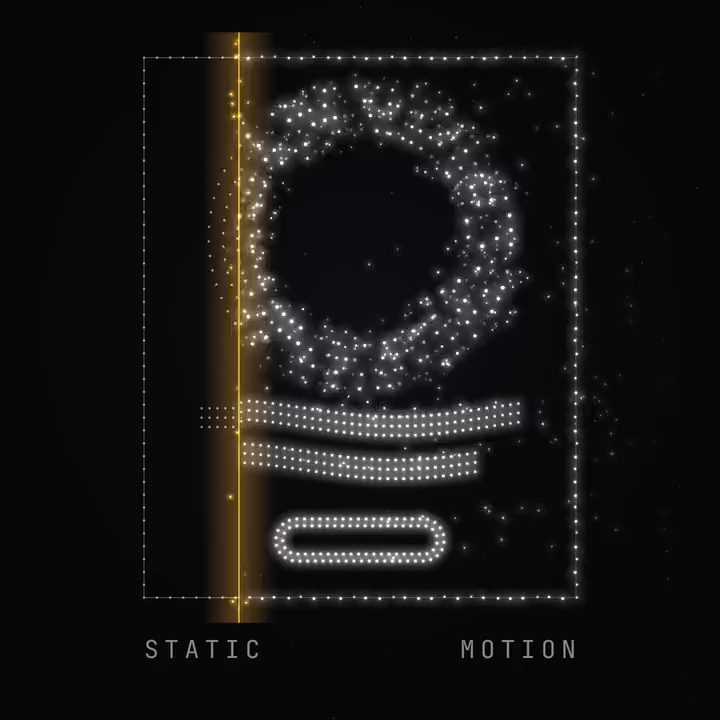
A still from one campaign, animated in the style of another. A key visual from the spring campaign never moved. Feed it into the animation from this autumn's campaign and it comes alive in the new style (static ads into motion).
A finished cut with a new track. An ad that has run for a month has seen most of its audience. Generate a new track timed to the existing cut, or connect one from the library, and keep everything else. The approved picture is unchanged, so the footage needs no new review.
Which parts travel well
The parts that move most easily make sense on their own. An opening with its own motion and hook works in front of almost any product shot. A logo reveal, an end card or a transition belongs to the brand, not to one campaign. Titles and motion graphics built as live code take new words, colours and timing in the next ad. Gameplay clips and product shots travel as long as the product still looks that way, and music travels when the new cut is close in length and pace to the old one.
Some parts don't travel. A punchline without its setup, a reaction shot cut from the scene it reacts to, or a shot whose background clashes with the current brand colours looks borrowed. Text that was generated into the picture can't take new words at all, which is one more reason Motn keeps text live from the start. The test is whether the part would still make sense to someone who never saw the ad it came from.
How a part gets into the library
A part goes into the shared library from the canvas where it was made. When an opening wins a test or a motion designer finishes an end card, they save that part, and it keeps its motion, its timing and its live text. The brand library holds the fonts, colours and logo rules each part follows, so a part made for one product can be opened inside another product's brand without restyling by hand. Anyone on the plan can drag it into another project, and the original canvas stays where it was, so anyone who wants to know how the part was made can open it and see the steps.
How this differs from templates, combination tools and other node canvases
Templates hand everyone on a platform the same structure, so an ad built from one starts out looking like the ads other teams built from it. Starting from a template is fine as long as the team makes it its own.
Combination tools tag your footage as blocks and render combinations of them. Sovran tags each clip as a hook, a body or a call to action, so five hooks, three demos, four testimonials and two calls to action give 120 versions, and its own guide notes that testing several components at once makes results hard to attribute (Sovran).
Other node canvases connect models. Figma Weave's nodes connect models and image operations, and its array and iterator nodes generate every combination of a set of inputs in one run (Chase Jarvis). Motn's nodes connect finished parts of ads too, an opening, an end card, a data feed, a track, which is how a format like the golf score challenge gets made. The difference that matters most is who chooses: the team decides which parts meet, because it knows why each one worked the first time (Motn vs Figma Weave).
Book a demo and bring two ads your team is proud of. The thinking behind it is in Don't rebuild. Build on.