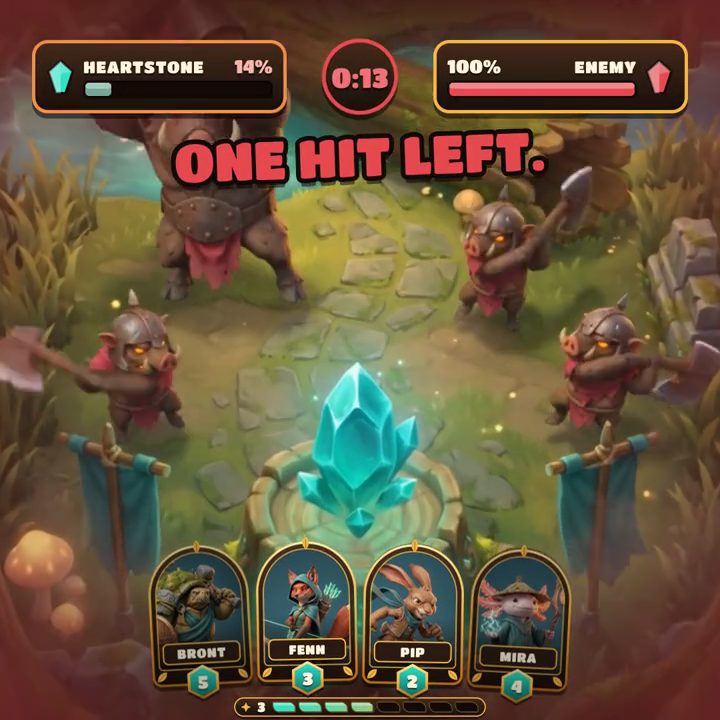
A licensed character pays for itself in UA. ZiMAD's head of user acquisition reported CTR up 40% and conversion up 20% in some channels after the studio brought IP content into its ads, and named the cost in the same interview: the partner approves every creative and how the IP is shown in it, and those approvals slow the marketing team down (MAF). What the licensor approves is specific: this character art, this logo lockup, this clip from the film or the match.
Generative AI makes the cost worse, not better. A model doesn't place the art, it draws it again, and a character drawn again is a new depiction of someone else's property, which the licensor will want to see.
Why licensors review anything redrawn
A license gives the right to use a character on the owner's terms, and how the character looks is the first of those terms. Licensors keep different levels of control over creatives, and some IPs come with heavy restrictions (Unity). Lawyers advising game developers suggest settling in the license which materials need approval, from concept art to marketing and live-ops content, and how long each review may take.
AI is now written into those terms. Licensing International reports licensors asking for clearly defined inputs and outputs of AI-generated content in their agreements, and Hasbro requires that its IP not be used to train AI and treats AI uses of it case by case (Licensing International). Even the most generous deal so far drew a line: when Disney licensed more than 200 characters to OpenAI's Sora, it kept the likenesses and voices of its talent out (Axios). A frame where a model drew the character is exactly the output these clauses are about. Even when it looks right, it's a new picture.
Consistent characters are still new images
The usual AI answer is to make the model draw the character more faithfully. Layer's Video Elements builds a character from a frontal image and references and keeps its identity "through the generated video instead of being reinterpreted frame by frame" (Layer). LTX Studio's Elements are character assets tagged into each generation, and Runway's Aleph edits an existing clip in place, redrawing what the prompt asks it to change.
Each gets closer to the model sheet, and each still produces pixels the model drew. A pose the character has never been drawn in, an expression slightly off the style guide or a logo that's almost right all go back for review, version after version.
Placing the art instead of drawing it
The other answer is to keep the licensed material out of the model altogether. In Motn the licensor's approved files go into the shared library as assets: the character renders and animations, the logo lockup, the footage from the show or the match. On the canvas they're placed, not generated, so the pixels in the ad are the pixels in the file the licensor approved.
Everything around them can change. The headline and the offer are live text. The language changes, with the layout reflowing for each one. Each placement gets its own layout, with the character positioned and scaled for the frame rather than cropped through or redrawn. The music, the end card and the opening before the character appears can all differ, and the team can generate new backgrounds or shots that don't contain the character at all.
That changes what goes back to the licensor. Instead of 48 new depictions of their character, the submission is one approved character in 48 layouts with different words around it. Whether those need another look depends on the contract. The submission can identify exactly what changed: the layout, copy, offer or surrounding scene.
A review routine for licensed brands
Mark what's licensed. Keep the licensor's approved files apart from your own art, each with the date and scope of its approval, so everyone can see which assets nobody generates from or alters.
Check that no step generated the character. Every shot with the character should come from the approved files, not from a prompt that describes the character or a reference image fed to a model.
Check every placement against the style guide, not just the master. Licensors set a minimum size, clear space around the logo and rules about what can overlap the character, and a layout that works in 16:9 can break them in 9:16.
Check what the character stands next to. Offers, prices and claims near a licensed character are where licensors most often object, so a new weekly offer gets checked beside the character.
Agree in advance what needs a new submission, such as new text, a new language or a new placement, and what the master's approval covers. Then send the master with the list of what varies.
A good first test is the next live-ops event built on a licensed character: build the master from the approved files, generate everything around the character, and send the licensor one submission for every placement and language. More for studios running licensed games is in Motn for games.